

Documentation Index
Fetch the complete documentation index at: https://docs.scalev.com/llms.txt
Use this file to discover all available pages before exploring further.
- Go to the setting menu.
- Click Integrasi.
- Then click Tambah Integrasi WhatsApp Gateway

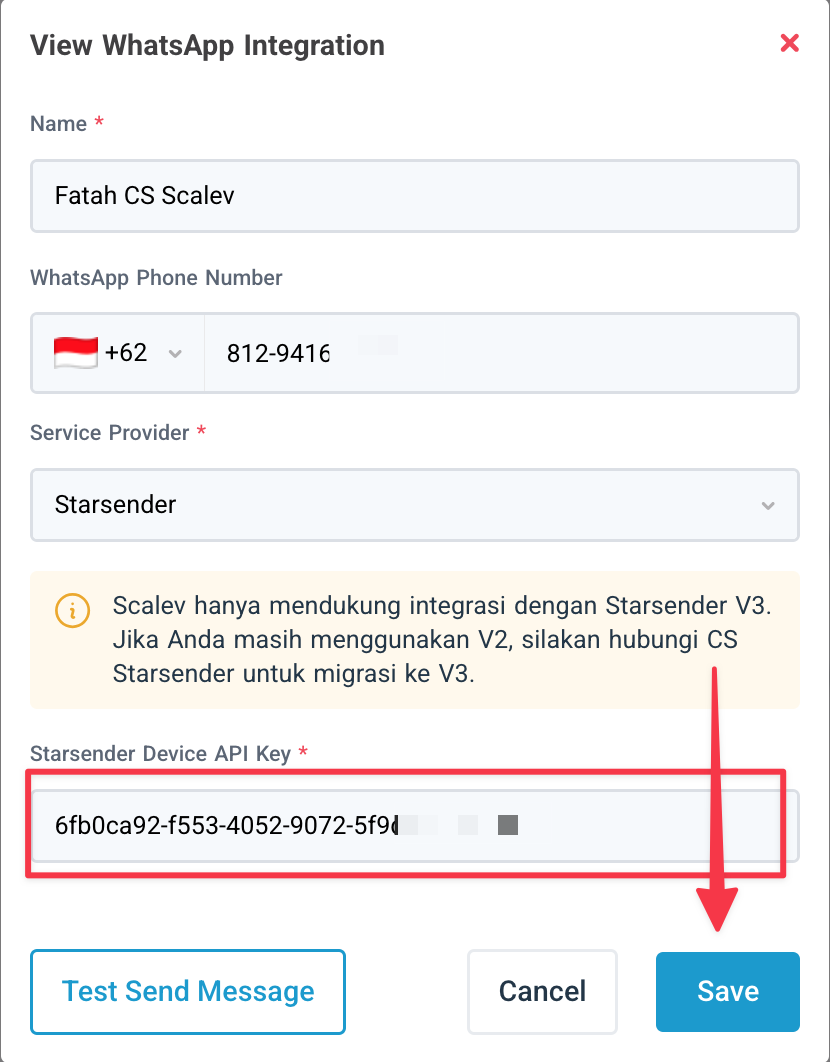
- Enter a name (anything you want).
- Enter your Starsender phone number
- For Service Provider → Select Starsender.

For the Starsender Device API Key,
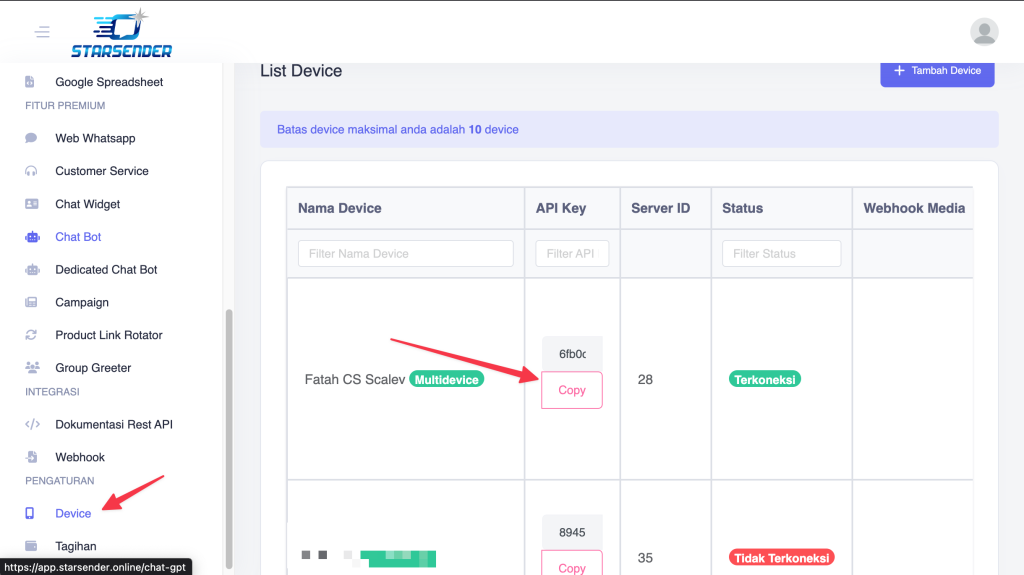
- Go back to the Starsender dashboard.
- Click Device.
- Copy the API Key of the Device you want to integrate with Scalev.
- Paste the Device API Key you copied into Scalev.
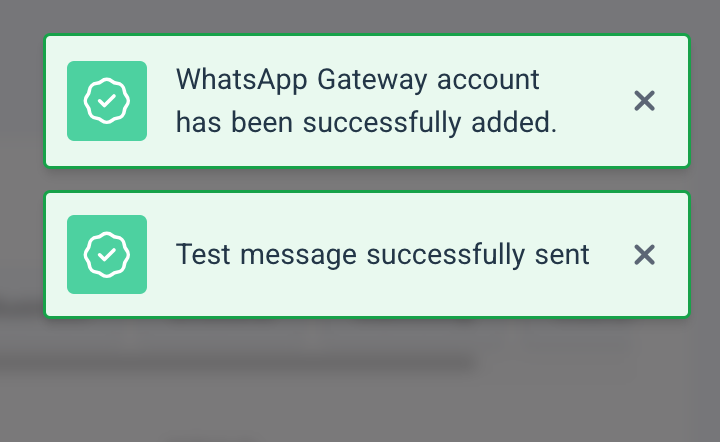
- If successful, a message appears: “WhatsApp Gateaway Account has been successfully added” & “Test message successfully sent”
- Your Starsender is now ready to use in Scalev.
 ===
===
If You Want Follow-Ups Using CS Number Rotation…
Select the rotator option when choosing who will follow up: ===
===