

Documentation Index
Fetch the complete documentation index at: https://docs.scalev.com/llms.txt
Use this file to discover all available pages before exploring further.
When You Can Withdraw (Pending Balance Becoming Active)
 Source: https://docs.xendit.co/id/settlement
Withdrawal Tutorial for E-Payment+
If you use e-payment+, the withdrawal method differs from regular e-payment in Scalev. With regular e-payment, you can withdraw directly from the Scalev dashboard. With e-payment+, withdrawal cannot be done through Scalev.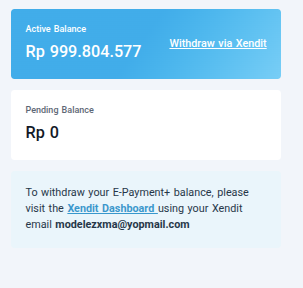
Withdraw via Xendit
To withdraw your e-payment+ balance, log in to the Xendit dashboard. Login link: https://dashboard.xendit.co Use your Xendit account login details, not your Scalev account.Scalev Login ≠ Xendit Login