

Go to this link: https://www.shopify.com/tools/policy-generator/terms-and-conditionsDocumentation Index
Fetch the complete documentation index at: https://docs.scalev.com/llms.txt
Use this file to discover all available pages before exploring further.
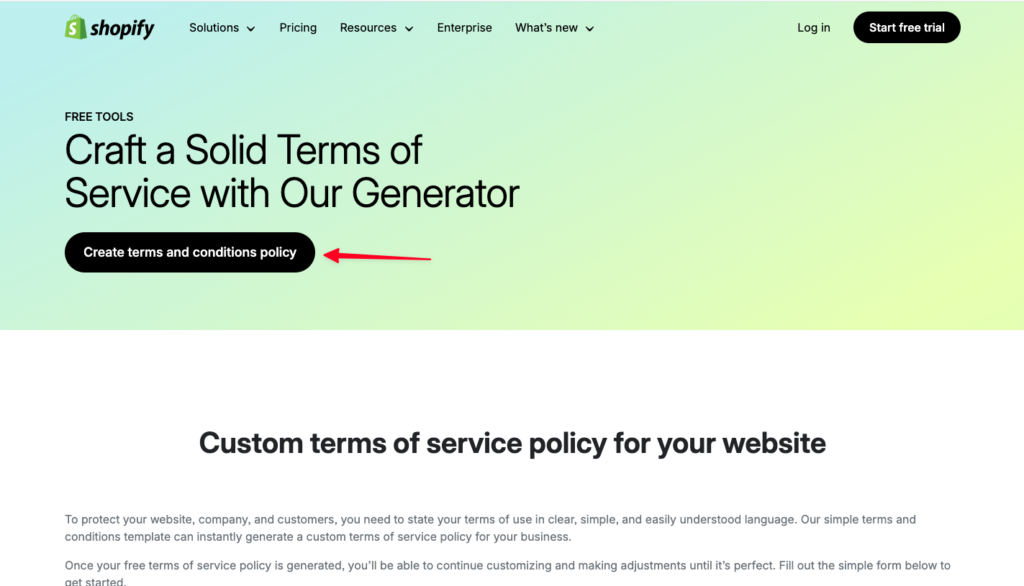
- Click Create Term and Conditions Policy
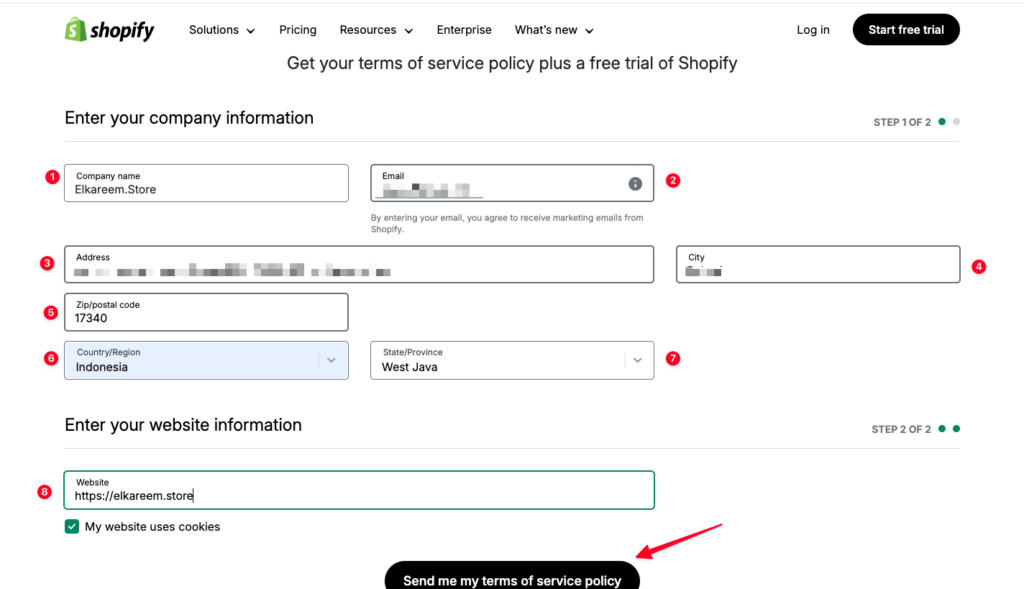
- Enter your Business Name (can be your store name or website name)
- Enter your email
- Enter your address.
- Enter your city.
- Enter your postal code.
- Select Country.
- Select your Province.
- Enter your website link.
- Click Send me my term of service policy
A pop-up will then appear. Then click “Download Now”
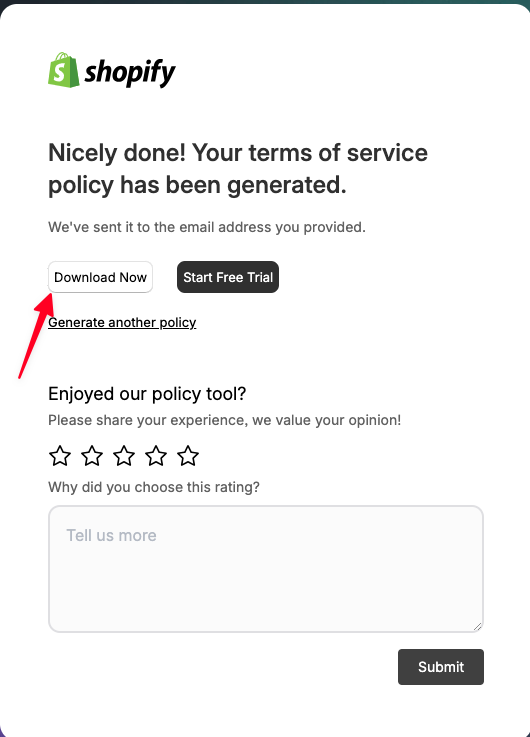
- A PDF file will open — copy all of it.
- Then go to https://app.scalev.id/pages
- Click Add Landing Page
- Select Blank Page.
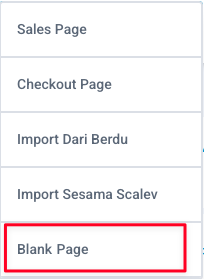
- Click add component.
- Select text.
- Paste the terms of service you just copied.
- Then adjust as needed.
- Once done, set the Slug & landing page name.
- Then click the “Save & Publish” button