Documentation Index
Fetch the complete documentation index at: https://docs.scalev.com/llms.txt
Use this file to discover all available pages before exploring further.
The Function of This Feature:
- So a banned customer can no longer fill in the order form with the same data or use the same IP Address, minimizing spam orders from the same customer.
- In addition, banned customers will no longer be able to access your member area.
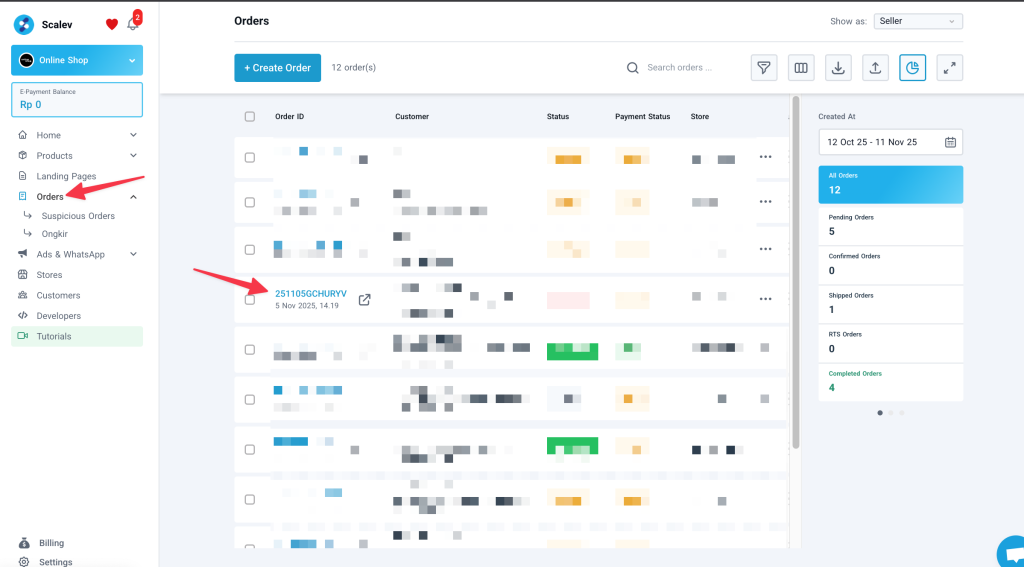
- Go to the “Order” menu → click the Order ID of the customer you want to ban.
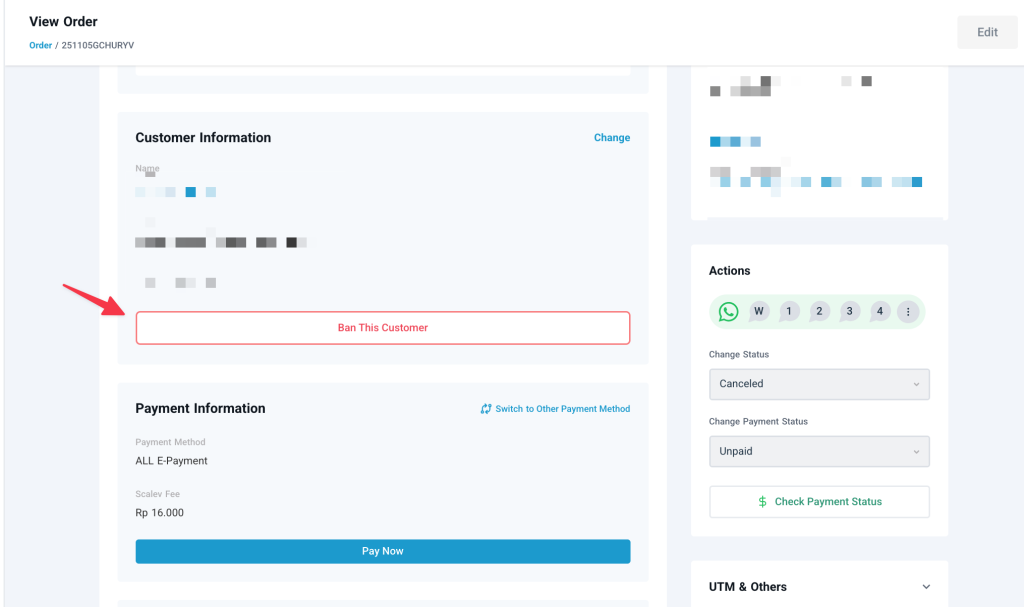
- Scroll down to the “Customer Information” section → Click “Ban This Customer”
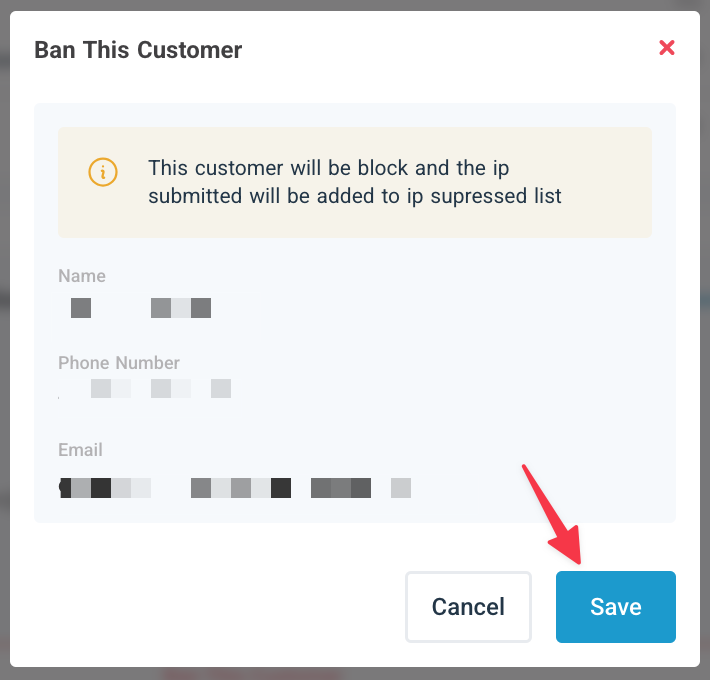
- A pop-up will appear like this; click “Save”
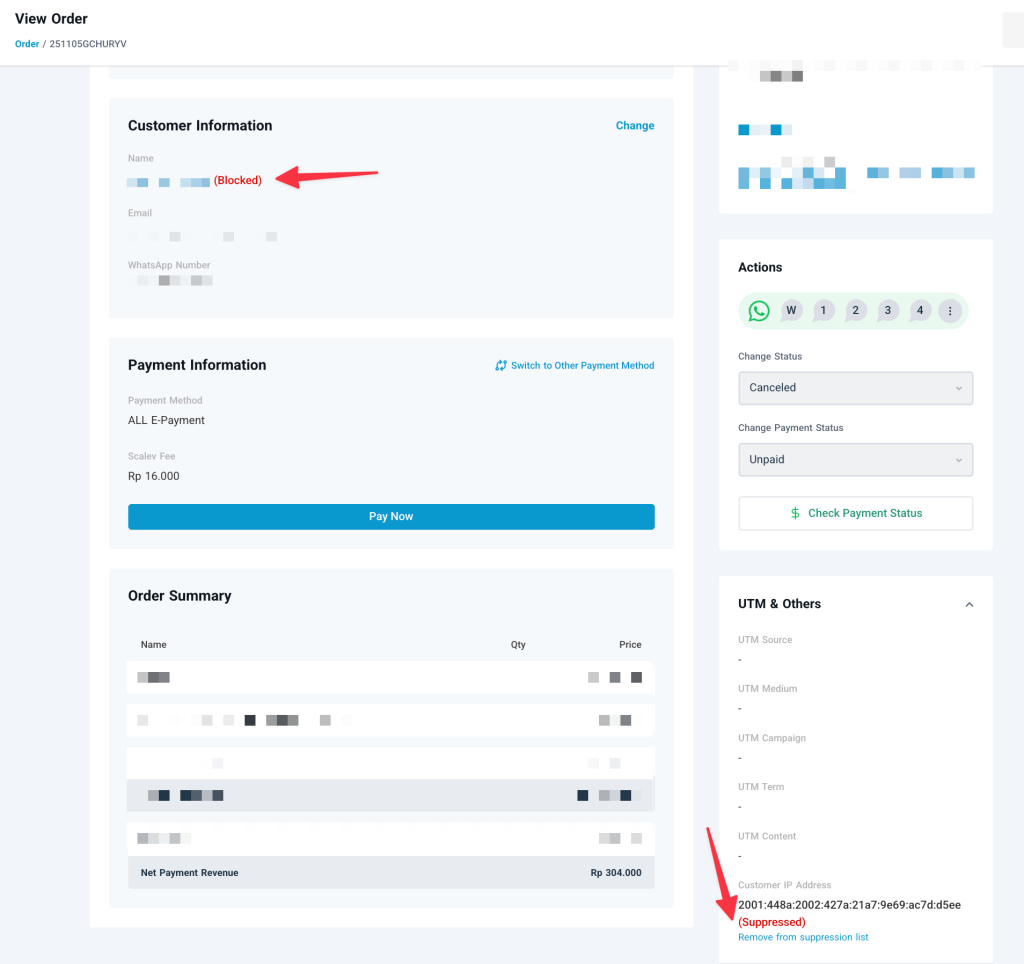
A successful customer ban is signaled by 3 things:
- The “Ban this customer” button disappears
- A “Blocked” label appears on Customer Information
- A “Suppressed” label appears on the customer’s IP.