Documentation Index
Fetch the complete documentation index at: https://docs.scalev.com/llms.txt
Use this file to discover all available pages before exploring further.
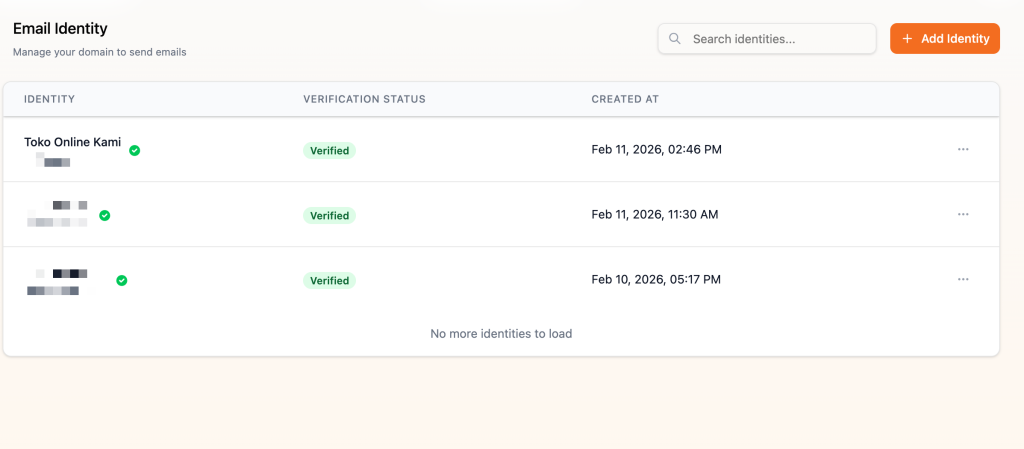
- Make sure your domain is verified in https://app.mailev.co/identity
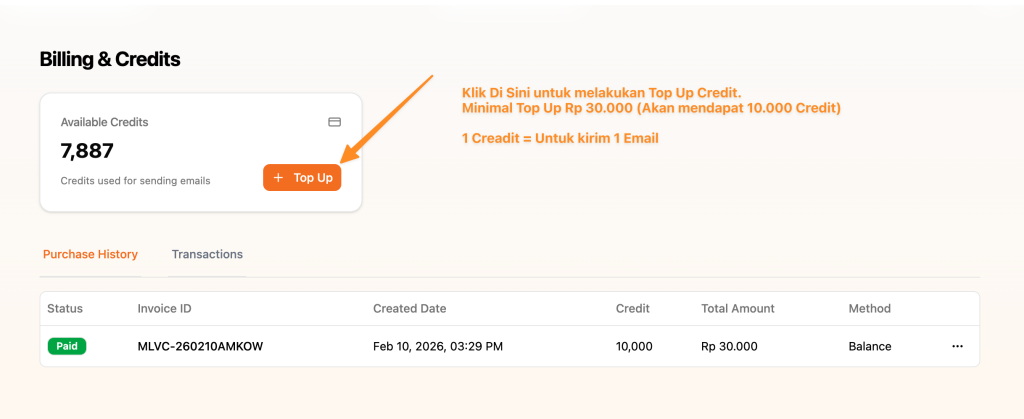
- Make sure you’ve topped up credit in the billing menu https://app.mailev.co/billing
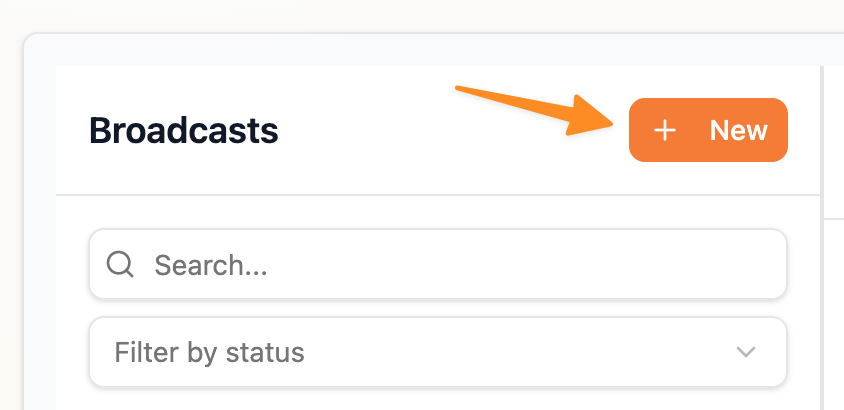
 If both are done, create your email in https://app.mailev.co/email → Click +New
10 Steps to Create a Broadcast Email in Mailev
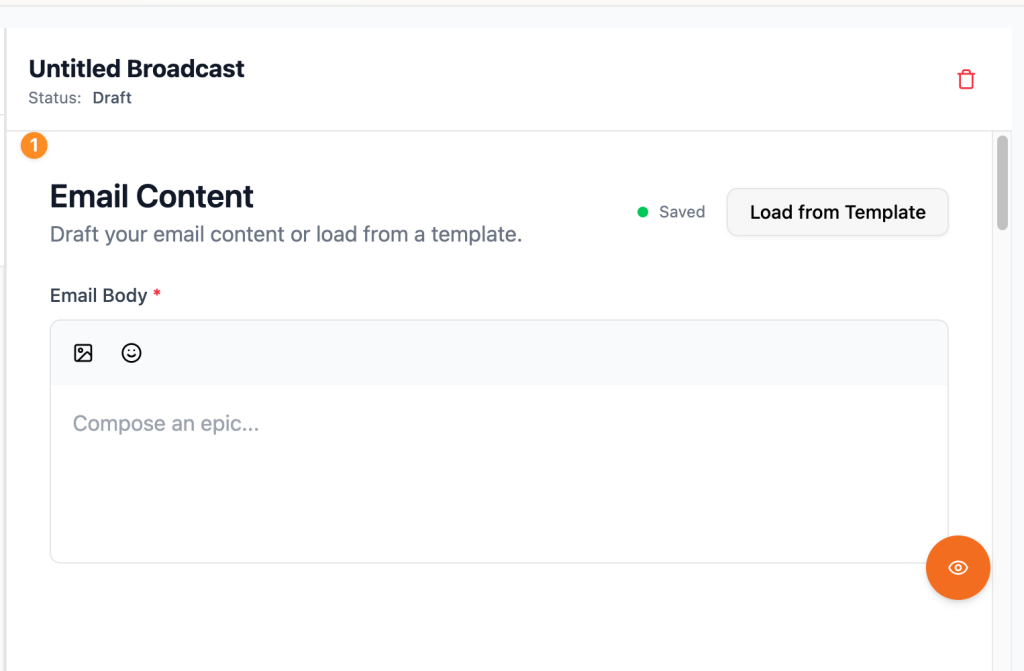
- First, write/paste the email content you want to broadcast.
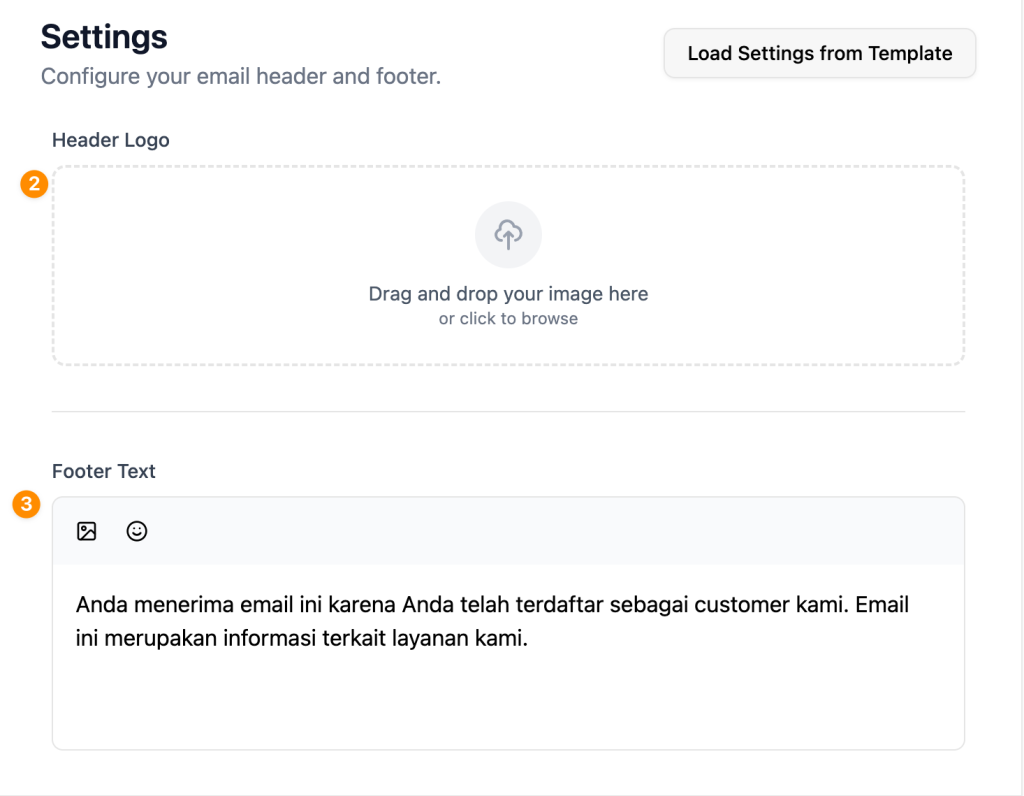
- Second, upload the logo (optional)
- Third, enter the email Footer
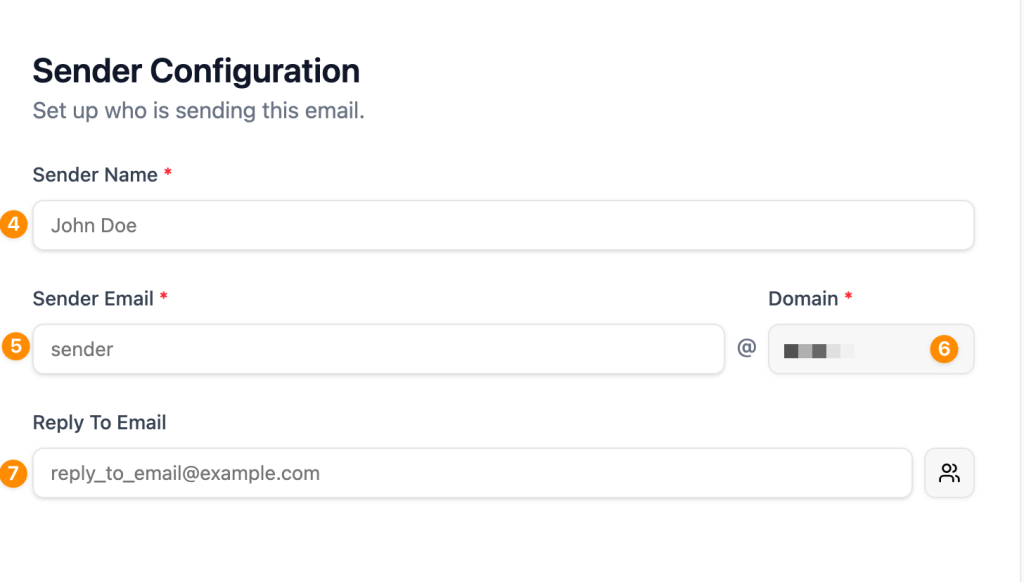
- Fourth, enter the sender name (free text)
- Fifth, enter the sender email
- Sixth, select the domain to send the email from.
- Seventh, enter the business email you want to use as the reply-to address for replies from your customers.
- Eighth, enter the email subject
- Ninth, define recipients (+Add Filter)
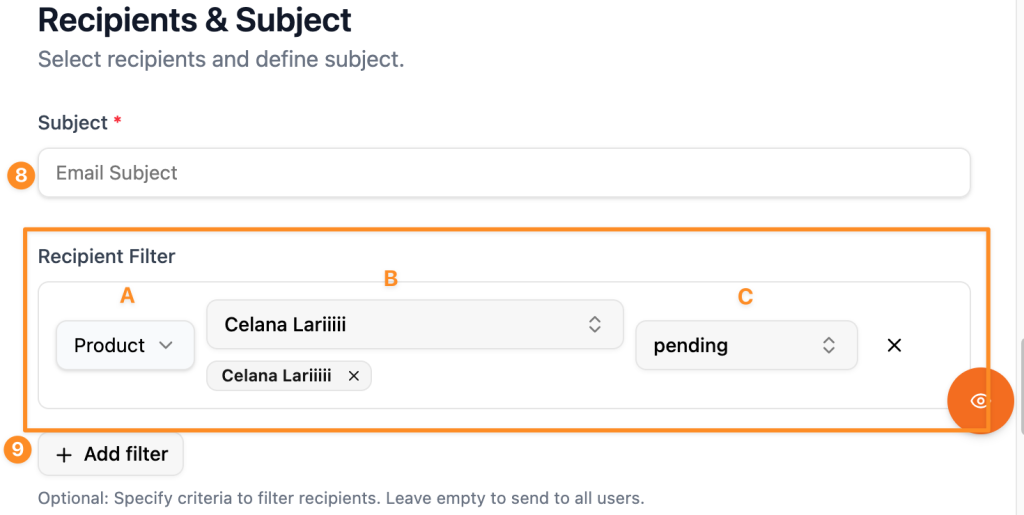 Note: recipients here are your customers in the Scalev customer menu.
- You can filter customers by product/tag attribute.
- You can target customers who ordered specific products to receive the broadcast.
- You can target customers based on order status to receive the broadcast.
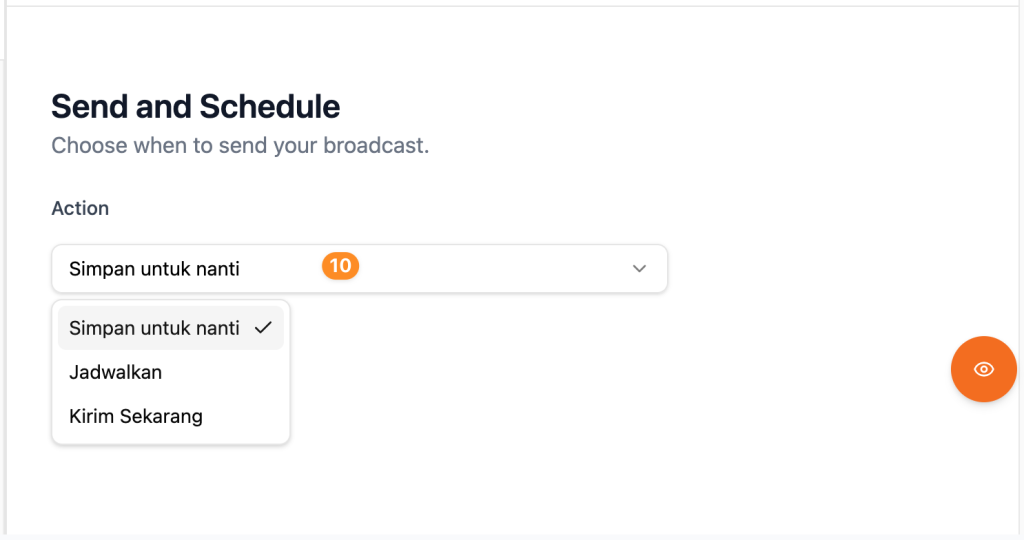
- Tenth, choose whether to send the broadcast Immediately, Scheduled, or Save for later (Draft)