WhatsApp broadcast via Waylev is:Documentation Index
Fetch the complete documentation index at: https://docs.scalev.com/llms.txt
Use this file to discover all available pages before exploring further.
- ✅ _*_90% safe
- ✅ Fast (no delay needed)
- 🥲 Costs Rp 600 per recipient (tax included)
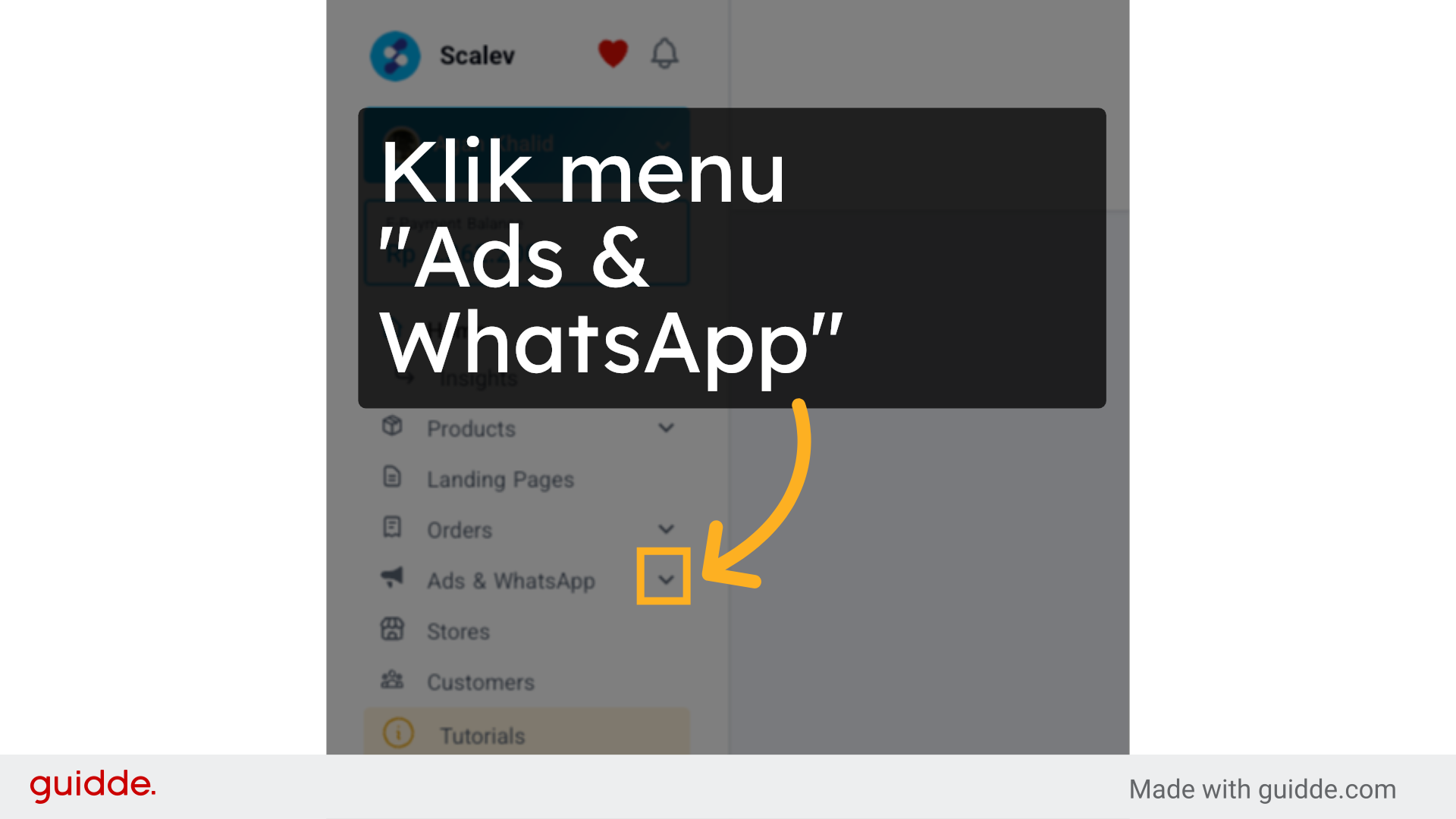
1. Click the “Ads & WhatsApp” menu
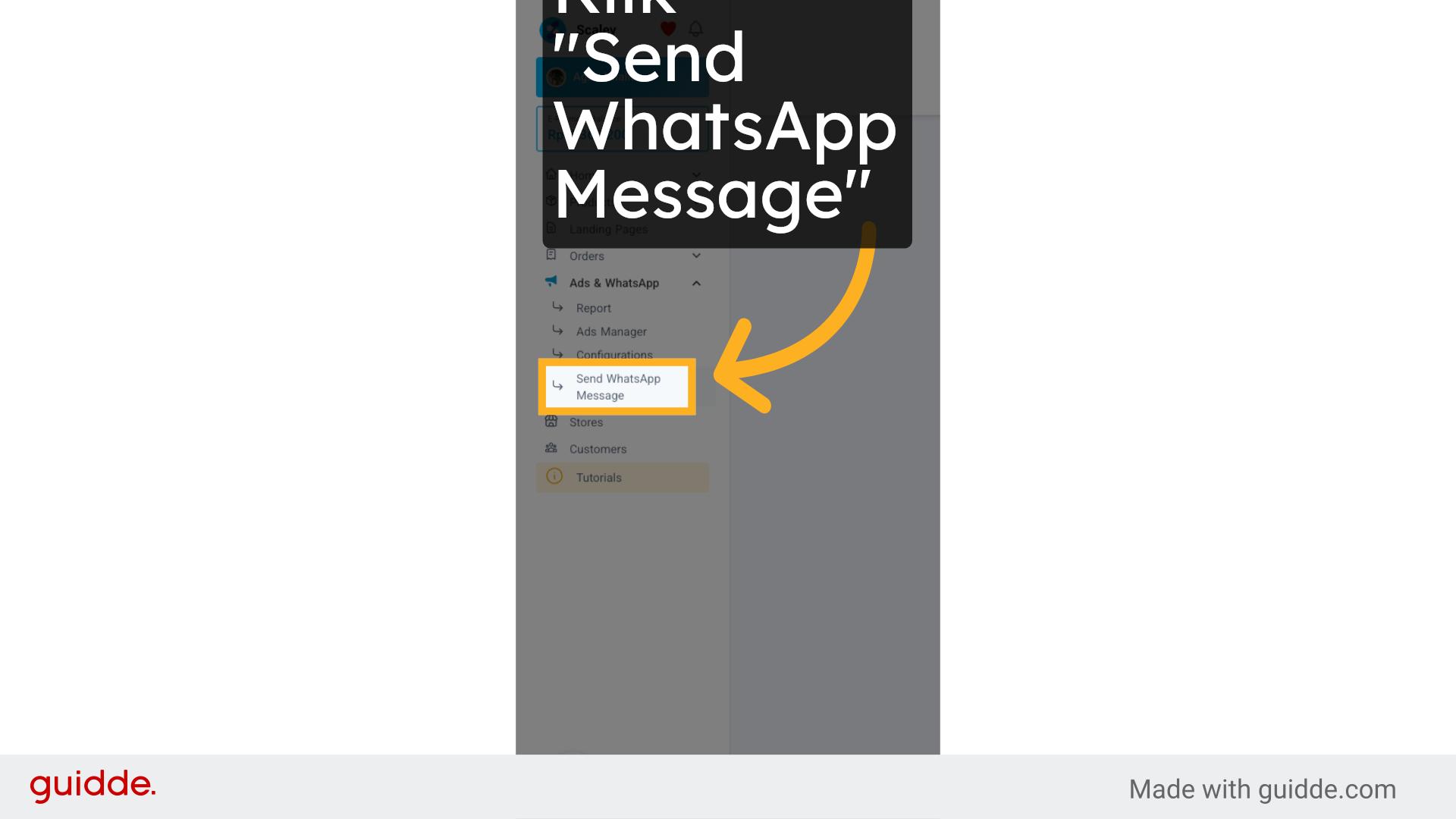
2. Click the “Send WhatsApp Message” sub-menu
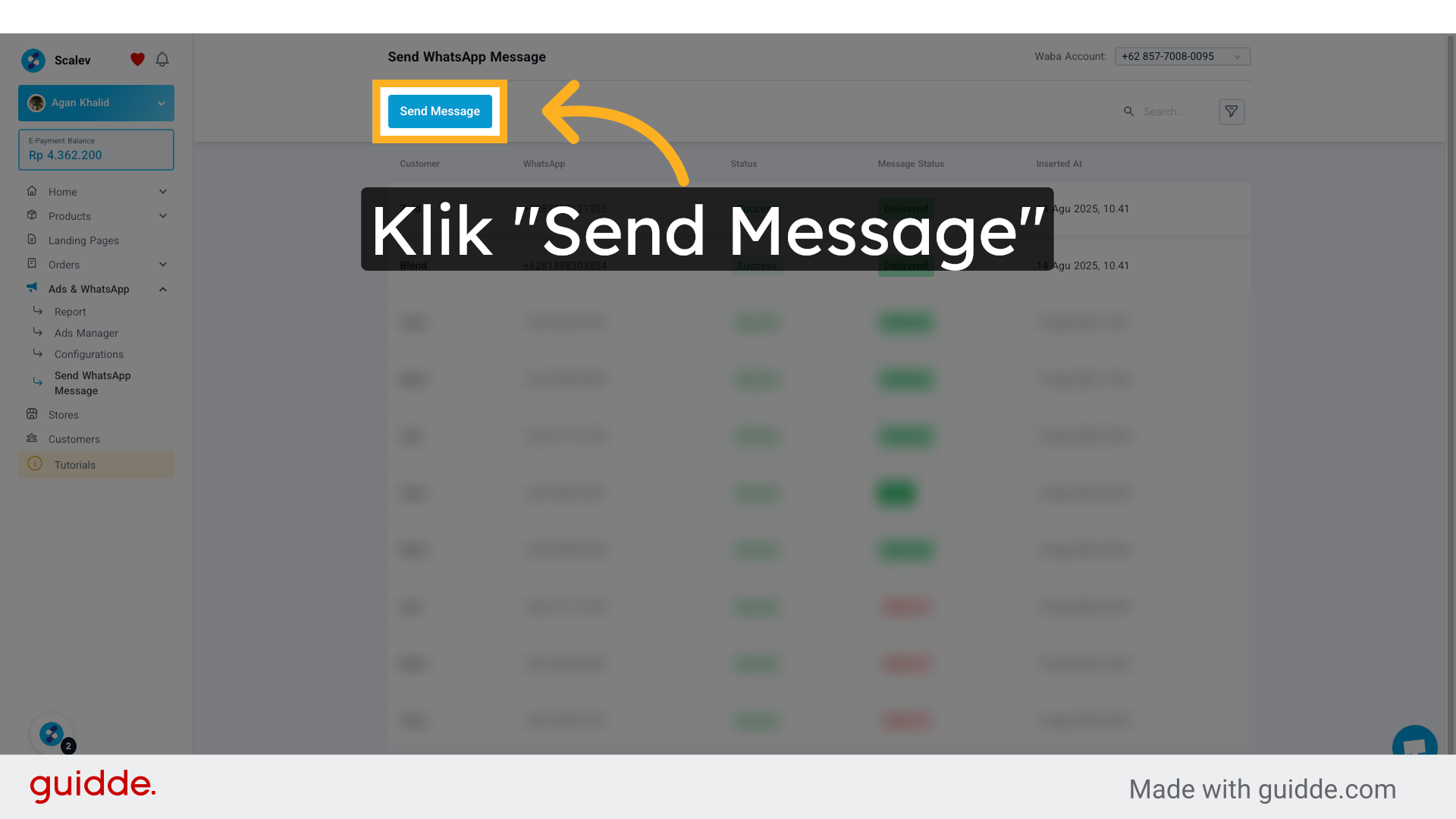
3. Click the “Send Message” button
4. Click “Select Message Template” to pick the template you want to broadcast
To create a message template you want to broadcast, you have to create it first in your Business Manager account. Through here: https://business.facebook.com/latest/whatsapp_manager/message_templates The process is:- You create the message template you want to broadcast
- Then wait for approval from Meta
- Because what you want to broadcast goes through Meta’s approval.
- No matter how many recipients you have
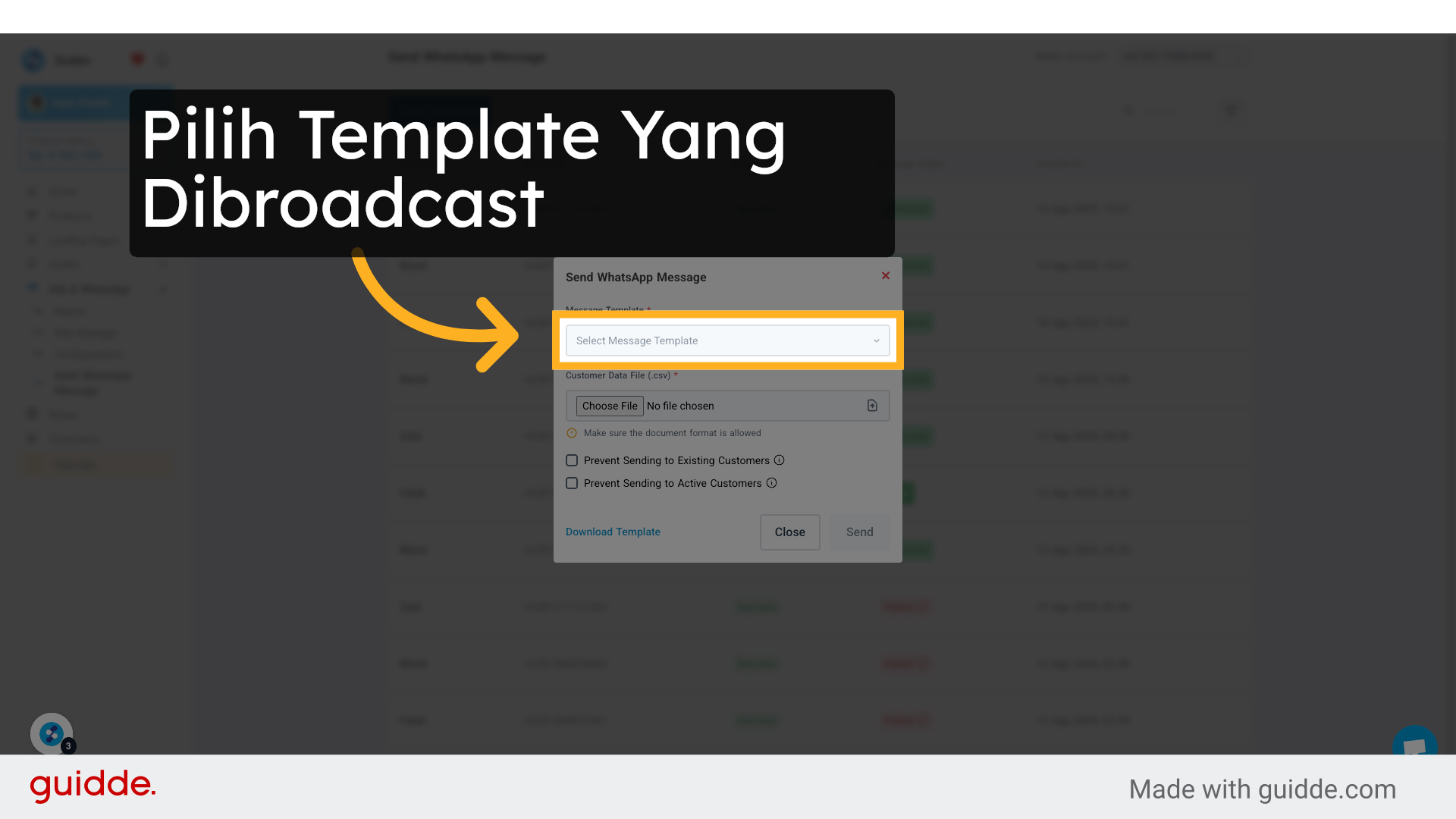
5. Click “Choose File” to upload a CSV file containing:
- NAME
- WHATSAPP NUMBER of broadcast recipients
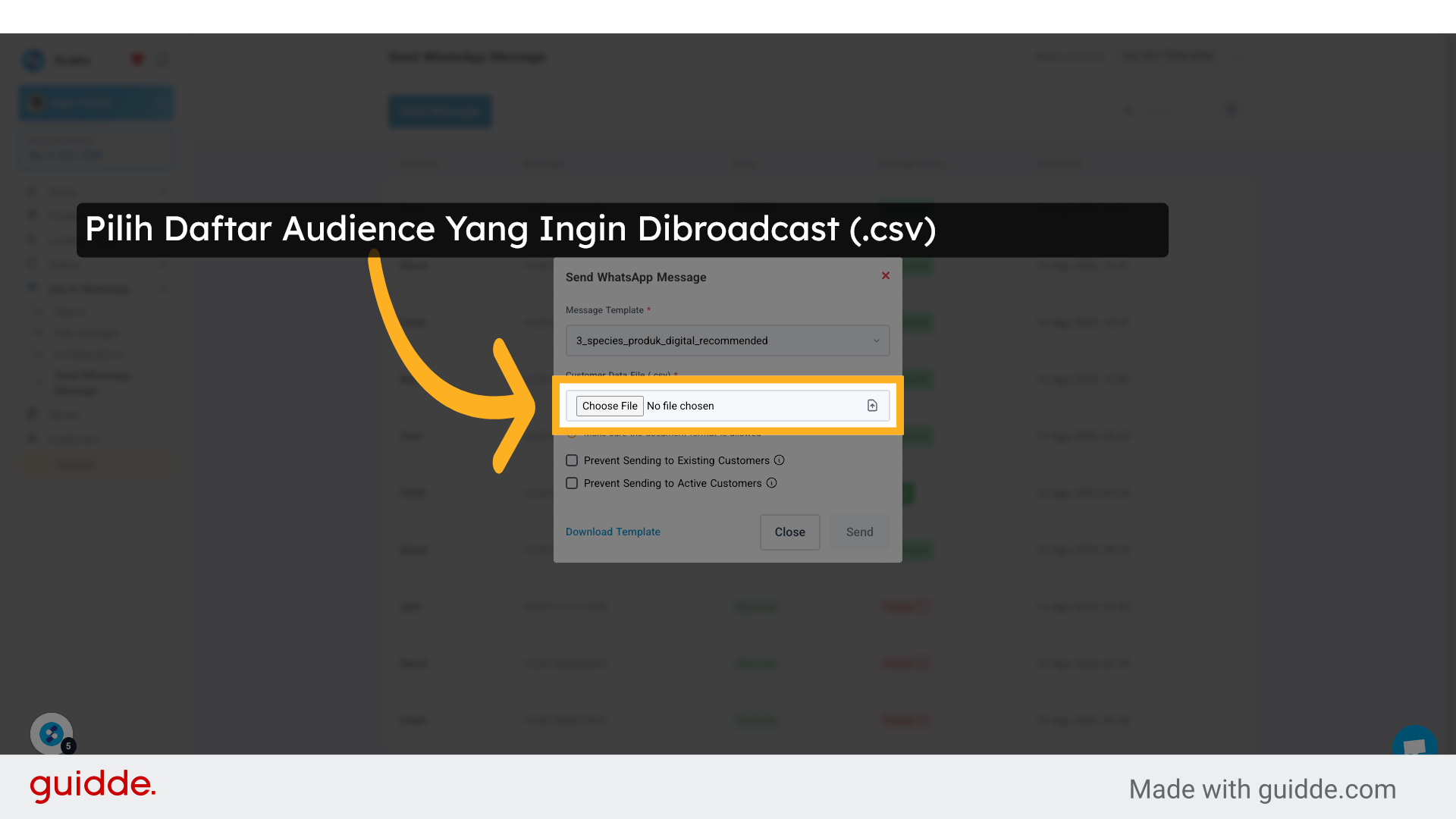
6. Click “Send”
- If you check “Prevent Sending to Existing Customer”, customers who have ever contacted your WABA on Scalev Chat will not receive the broadcast (excluded from broadcast recipients).
- If you check “Prevent Sending to Active Customer”, customers who have received your broadcast in the last 7 days will not receive your new broadcast (excluded from broadcast recipients).
WARNING
before clicking the “Send” button! Once clicked, the broadcast process starts immediately! Which means:- The broadcast is actually sent.
- You will be charged for the delivery (depending on how many in your audience receive the broadcast).
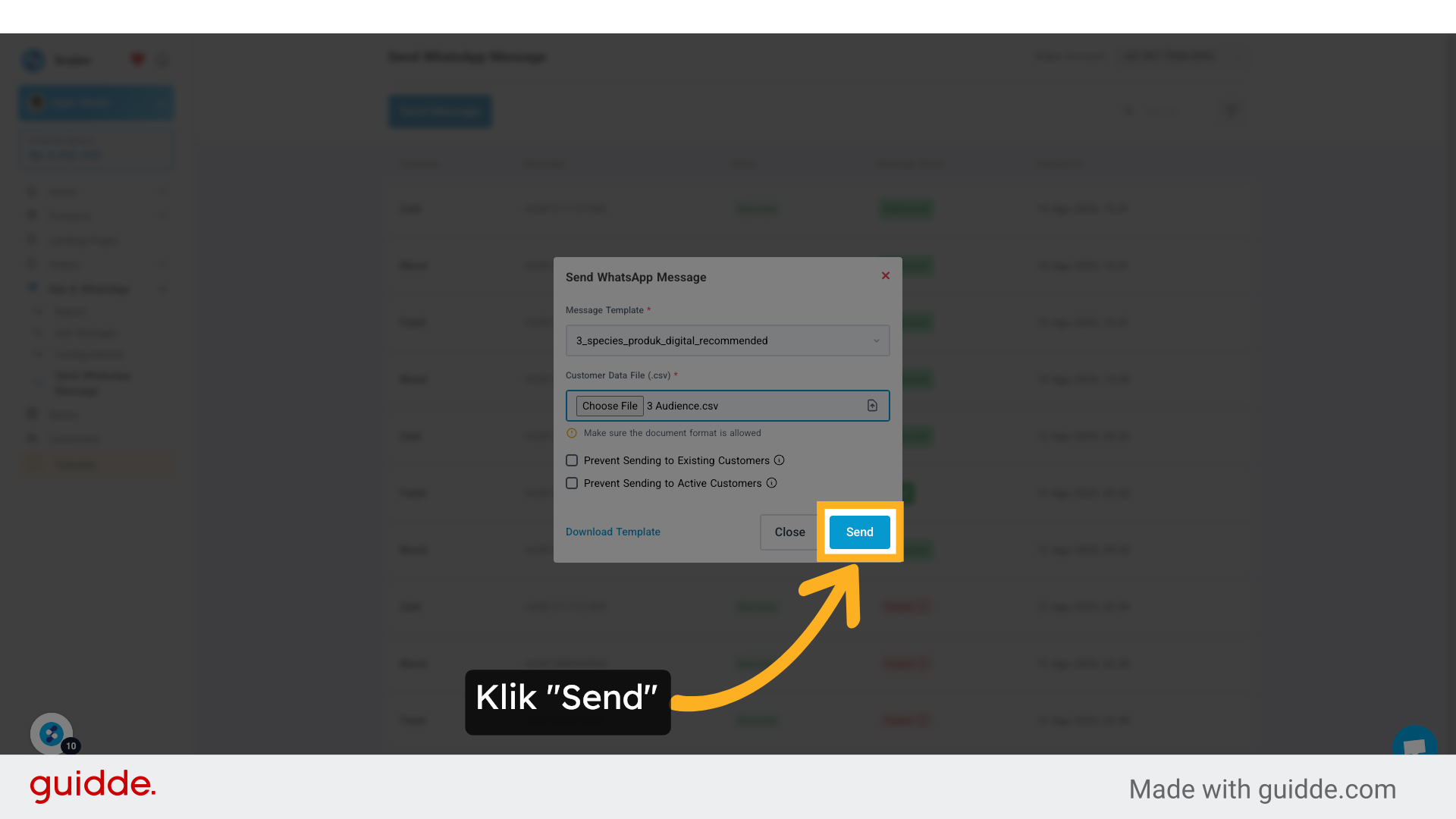
To connect a WhatsApp Business number (for broadcast purposes), here’s the tutorial:
Does it have to be WhatsApp Business that you connect there?
- Yes. It must be.
- Regular WhatsApp can’t be used.
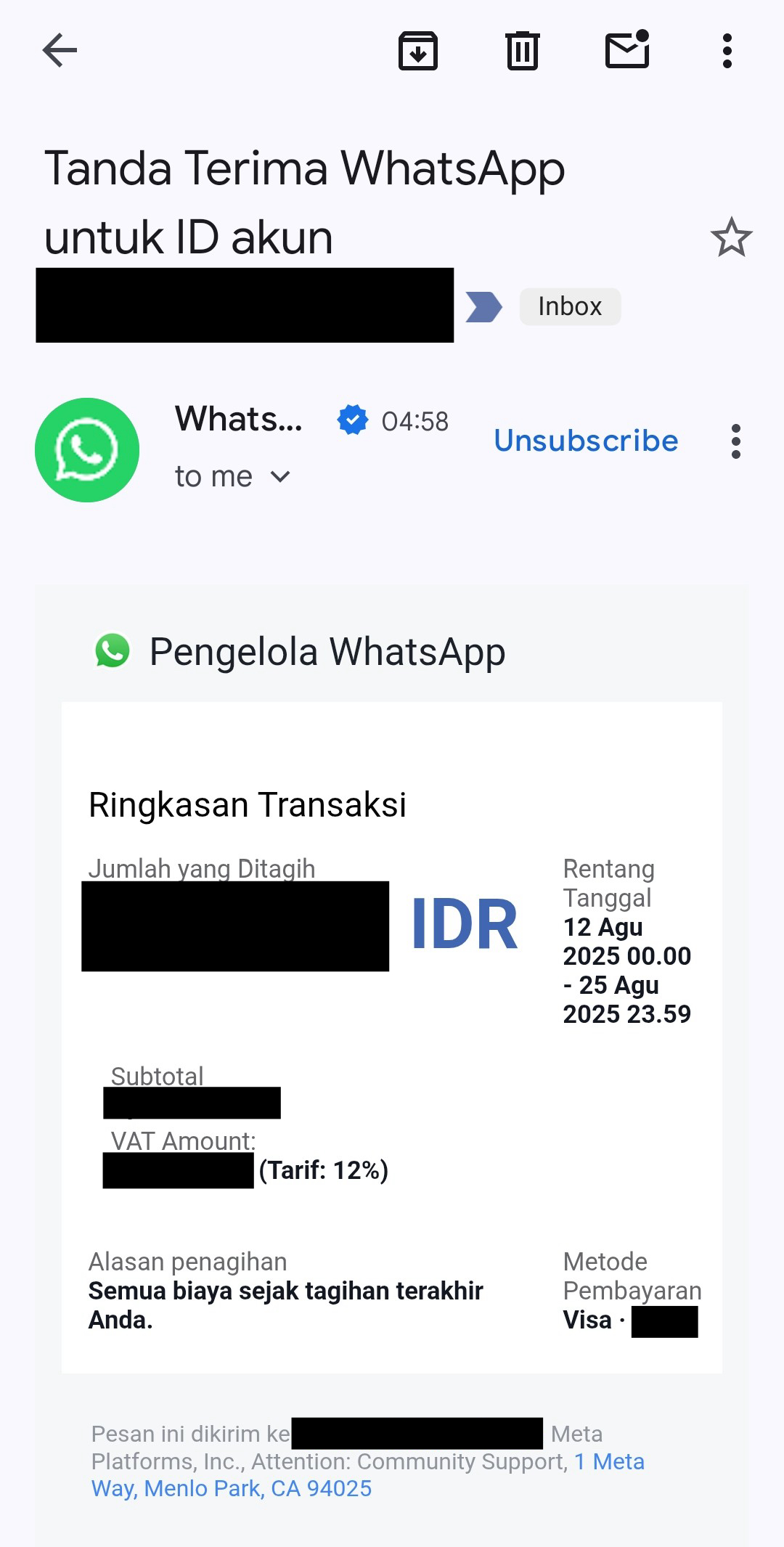
Here’s an example of an invoice straight from Meta after broadcasting (billed at the end of the month).