

Documentation Index
Fetch the complete documentation index at: https://docs.scalev.com/llms.txt
Use this file to discover all available pages before exploring further.
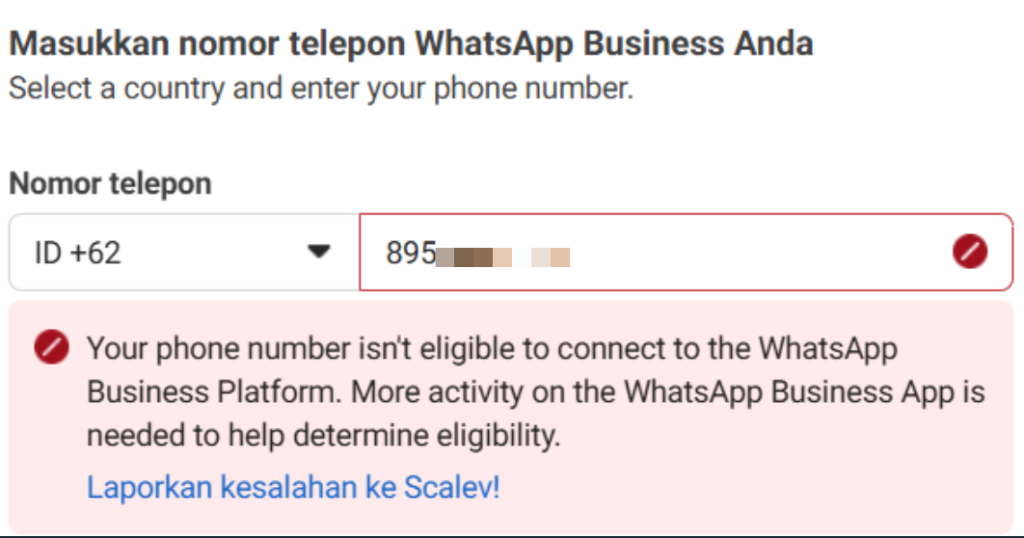
- If you’re registering WABA through Scalev and see a notification like this:
- Or you’ve completed WABA registration from Scalev and then get an error after entering your PIN in Scalev like this:
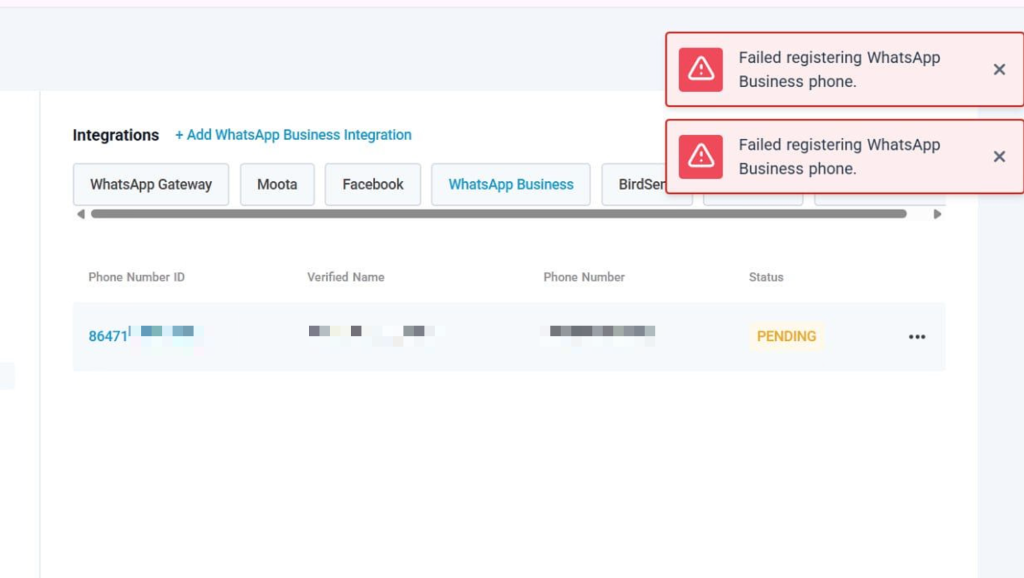 Or like this:
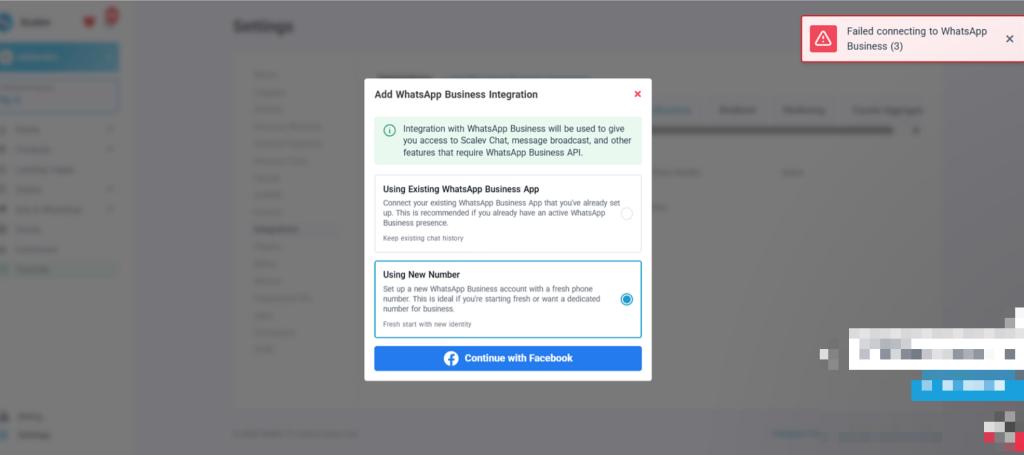 And in your Meta WABA account it looks like this:
 Most likely, your Meta account or the phone number you used to register for WABA doesn’t meet Meta’s requirements.
Check the main requirements you need to meet:
1. Meta Business Verification
You must have a verified Facebook Business Manager ID. This verification process validates your business identity.
Most likely, your Meta account or the phone number you used to register for WABA doesn’t meet Meta’s requirements.
Check the main requirements you need to meet:
1. Meta Business Verification
You must have a verified Facebook Business Manager ID. This verification process validates your business identity.
-
Legal Documents: Prepare your business legal documents, such as:
- Business License (SIUP/NIB)
- Tax Registration Number (NPWP)
- Company Deed of Establishment (PT, CV, or Foundation)
- Business Information: Meta will ask for details such as your official business name, address, and business phone number.
- Official Website: Your business must have an active official website with its own domain.
- Business Email: You need a business email address using your company domain.
- You must register a mobile or landline phone number that can receive calls or SMS for the initial verification process.
- This number will be dedicated to WABA and cannot be changed after finalization.
- VoIP, toll-free, or premium-rate numbers are not supported.