

Documentation Index
Fetch the complete documentation index at: https://docs.scalev.com/llms.txt
Use this file to discover all available pages before exploring further.
Screenshot Tutorial:
- Make sure your Scalev account plan is Basic. Adding a CS (sales person) is only possible on Basic plan and above. Plans below that (Lite & Free) cannot.
- The CS has been added to your Scalev account.
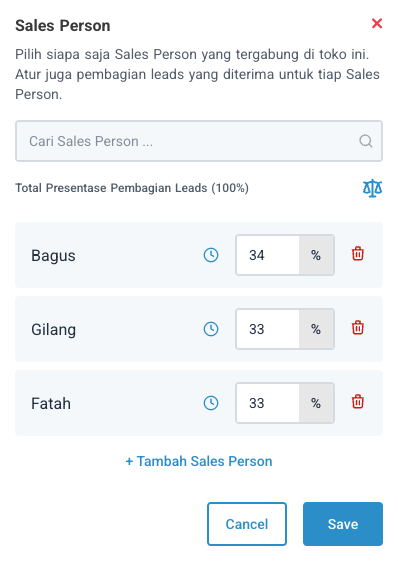
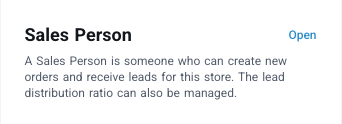 4. Set the percentage of incoming orders they receive.
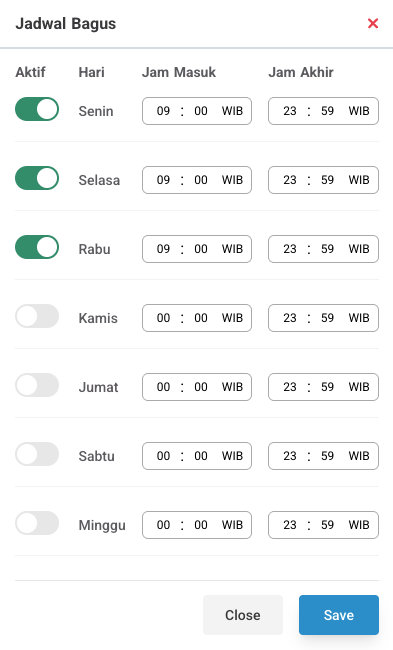
 5. Set their work schedule (work days & hours).
For more clarity, watch the video tutorial directly ⇣