

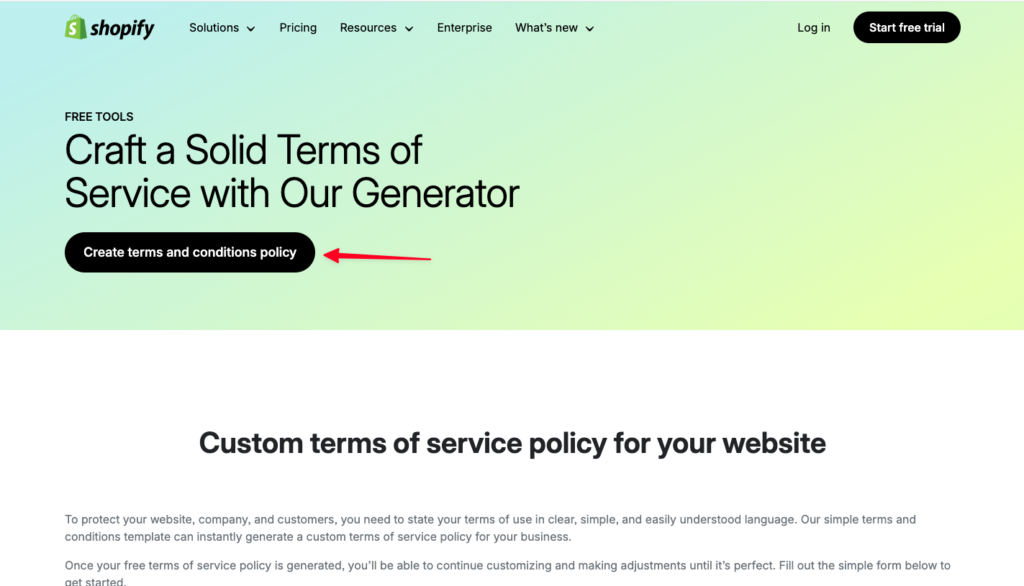
Silahkan menuju link: https://www.shopify.com/tools/policy-generator/terms-and-conditionsDocumentation Index
Fetch the complete documentation index at: https://docs.scalev.com/llms.txt
Use this file to discover all available pages before exploring further.
- Klik Create Term and Conditions Policy
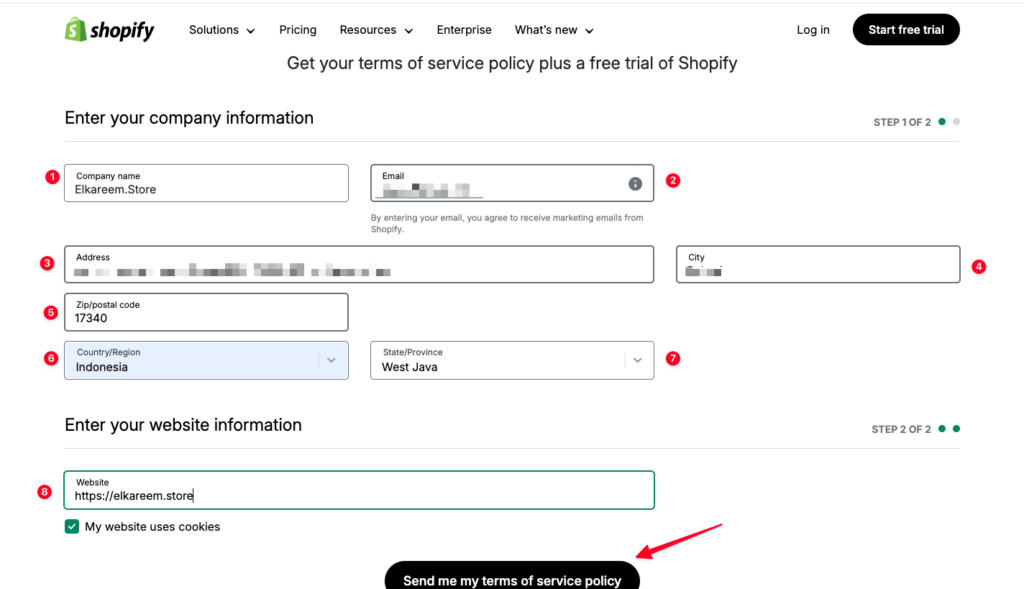
- Masukan Nama Bisnis Anda (Bisa nama toko, bisa nama website)
- Masukan email Anda
- Masukan alamat Anda.
- Masukan Kota Anda.
- Masukan kode pos Anda.
- Pilih Negara.
- Pilih Provinsi Anda.
- Masukan link website Anda.
- Klik Send me my term of service policy
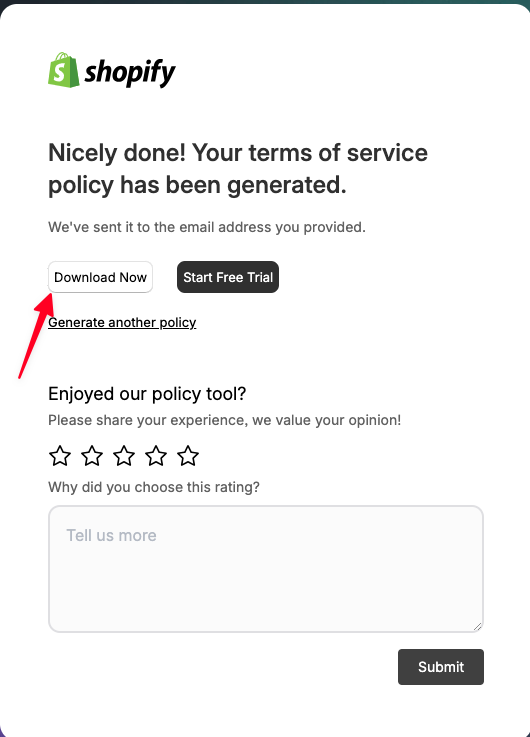
Nanti akan muncul pop up. Lalu klik “Download Now”
- Nanti akan terbuka file PDF, Silahkan Anda copy semuanya.
- Lalu pergi ke https://app.scalev.id/pages
- Klik Tambah Landing Page
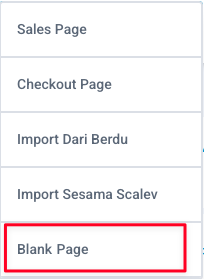
- Pilih Blank Page.
- Klik tambah komponen.
- Pilih text.
- Paste terms of service yang tadi sudah Anda copy.
- Lalu sesuaikan.
- Jika sudah silahkan atur Slug & Nama landingpagenya.
- Kemudian klik tombol “Simpan & Terbitkan”