

When Can You Withdraw? (Pending Balance Becomes Active)
 Source: https://docs.xendit.co/id/settlement
Withdrawal Guide for E-Payment+
Users on the e-payment+ plan have a different withdrawal process compared to the standard e-payment plan. With the standard e-payment plan, withdrawals can be made directly from the Scalev dashboard. However, e-payment+ withdrawals cannot be processed through Scalev.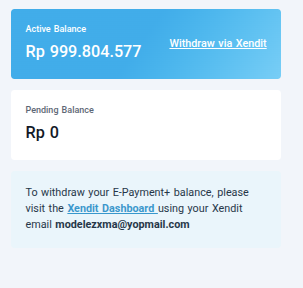
Withdrawing via Xendit
To withdraw your e-payment+ balance, please log in to the Xendit dashboard. Login URL: https://dashboard.xendit.co Use your Xendit account credentials to log in — not your Scalev account.Scalev login ≠ Xendit loginThese are two separate accounts. Make sure you are using the correct credentials for each platform.